Creating a productive home office environment can significantly improve your work experience and output. Whether you’re working remotely full-time or occasionally, having a dedicated space designed for focus and comfort can make a big difference. In this post, we’ll explore several practical tips to help you set up a home office that supports productivity and well-being.
Choose the Right Location
The first step is to select a spot in your home that can be dedicated to work. Ideally, it should be a quiet area where you can focus without distractions.
– Separate from living spaces: If possible, pick a room or corner away from high-traffic areas.
– Natural light: A space near a window can boost mood and alertness.
– Good ventilation: Fresh air helps maintain energy levels throughout the day.
Invest in Ergonomic Furniture
Comfort is key during long work hours. Ergonomic furniture supports your posture and prevents discomfort or injury.
– Ergonomic chair: Look for adjustable height, lumbar support, and a comfortable seat.
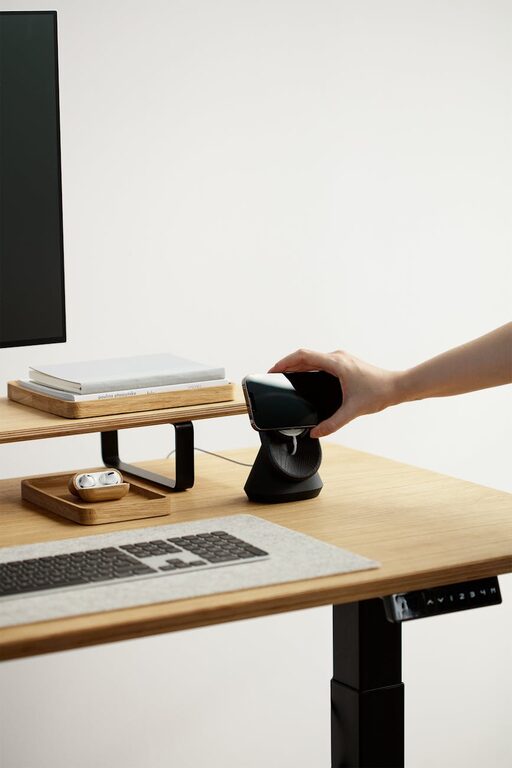
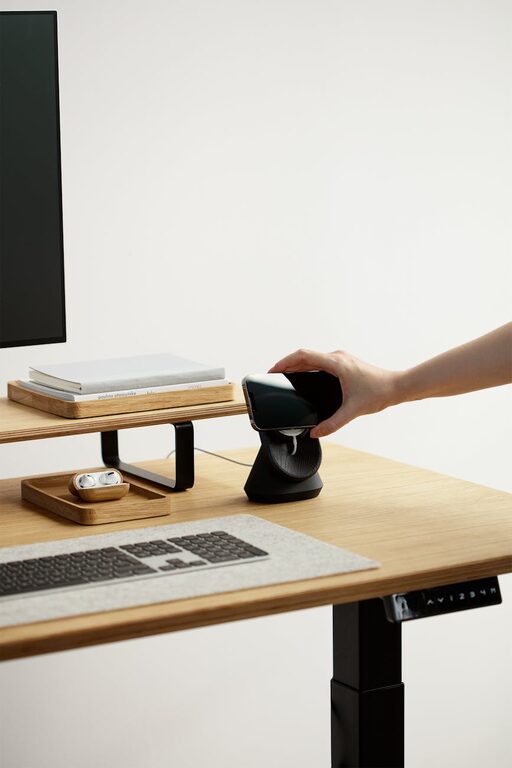
– Desk height: Your desk should allow your forearms to rest parallel to the floor when typing.
– Monitor placement: Position your screen at eye level about an arm’s length away to reduce strain on your neck and eyes.
Organize Your Workspace
A clutter-free space promotes focus and reduces stress. Consider these organization tips:
– Storage solutions: Use shelves, filing cabinets, or desk organizers to keep supplies tidy.
– Cable management: Use clips or cable organizers to avoid tangles and hazards.
– Minimal decor: Keep decorations simple and meaningful without overcrowding your workspace.
Set Up Adequate Lighting
Proper lighting reduces eye strain and creates a comfortable environment.
– Combine natural and artificial light: Use daylight when possible, supplemented with desk lamps.
– Use soft, white light: Avoid harsh fluorescent bulbs; opt for LED bulbs with natural color temperature.
– Adjust brightness: Make sure your light sources prevent glare on your computer screen.
Reduce Noise and Distractions
Maintaining focus is easier in a quiet area. Here are some ways to minimize noise:
– Noise-cancelling headphones: Useful for blocking out household sounds.
– Soundproofing: Add rugs, curtains, or acoustic panels to absorb noise.
– Set boundaries: Inform household members of your work hours to minimize interruptions.
Establish a Routine
A consistent schedule helps your mind switch into work mode and stay disciplined.
– Set work hours: Define when you start and end your workday.
– Take breaks: Use techniques like the Pomodoro method to include short breaks that refresh your focus.
– Morning rituals: Start your day with a routine that prepares you mentally, such as light exercise or a coffee.
Personalize Your Space
Adding a personal touch can make your office more inviting and motivating.
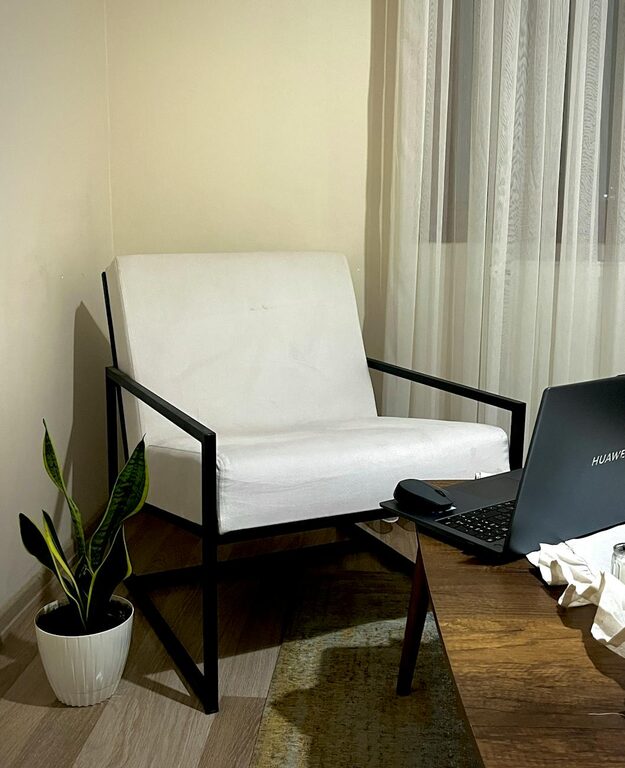
– Plants: Indoor plants can improve air quality and create a calming atmosphere.
– Artwork or inspiring quotes: Select items that boost morale without causing distraction.
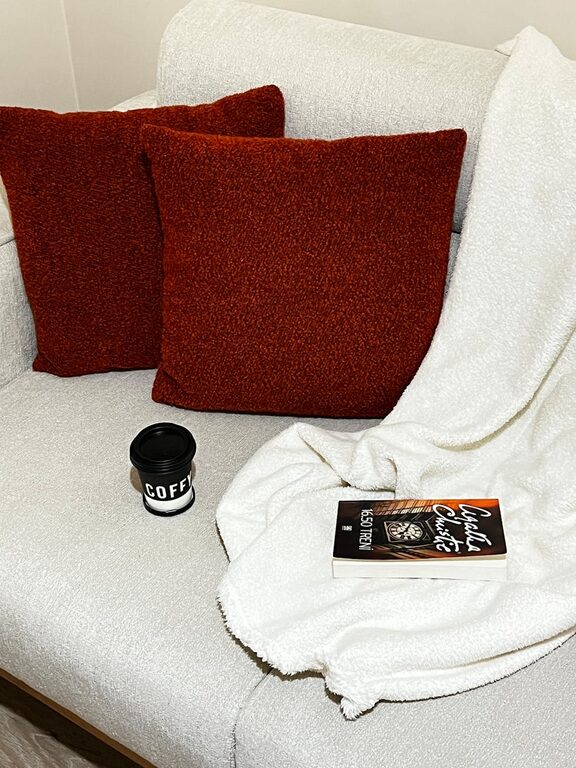
– Comfort items: Keep a cozy blanket or a water bottle nearby for convenience.
Use Technology Wisely
Leverage technology to improve your workflow, but don’t let it overwhelm you.
– Reliable internet: A strong connection is essential for online work and meetings.
– Productivity apps: Use tools for task management, time tracking, or focus timers.
– Limit notifications: Turn off non-essential alerts during work sessions to maintain concentration.
Keep Health in Mind
Working from home can tempt us to stay still for long periods, so it’s important to prioritize your health.
– Stretch regularly: Take breaks to stretch your legs, neck, and arms.
– Stay hydrated: Keep water accessible and drink often.
– Move around: Consider standing desks or take short walks to reduce sedentary time.
—
By thoughtfully designing your home office space and routines, you can create an environment that supports your professional goals and personal well-being. Remember, the ideal setup will reflect your individual needs, so take time to adjust and improve your space as you discover what works best. Happy working!
About the Author