Setting up a home office that is both productive and comfortable can greatly improve your work-from-home experience. Whether you are new to remote work or looking to upgrade your current space, these tips will help you create an environment where you can focus, stay organized, and feel good throughout the day.
1. Choose the Right Location
The foundation of a great home office starts with selecting the right spot. Consider the following when choosing your workspace:
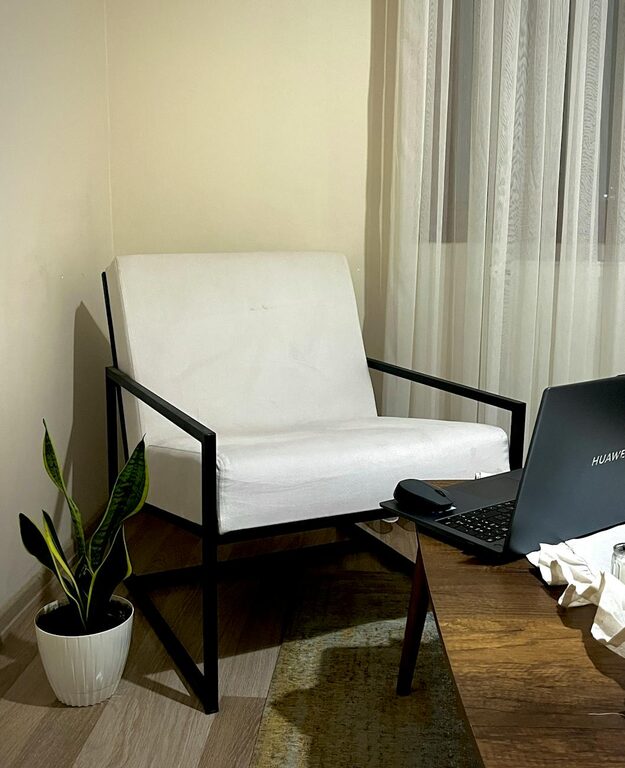
– Natural Light: Pick a room or corner near a window to benefit from natural daylight, which can boost mood and reduce eye strain.
– Quiet Environment: Aim for a space away from household noise or distractions. If possible, use a door to separate your work area.
– Sufficient Space: Ensure you have enough room for your desk, chair, and any equipment you need without feeling cramped.
A dedicated workspace helps your brain switch into “work mode,” improving focus and productivity.
2. Invest in Ergonomic Furniture
Comfort is key, especially when you spend long hours at your desk. Ergonomic furniture supports your body and prevents discomfort or injury.
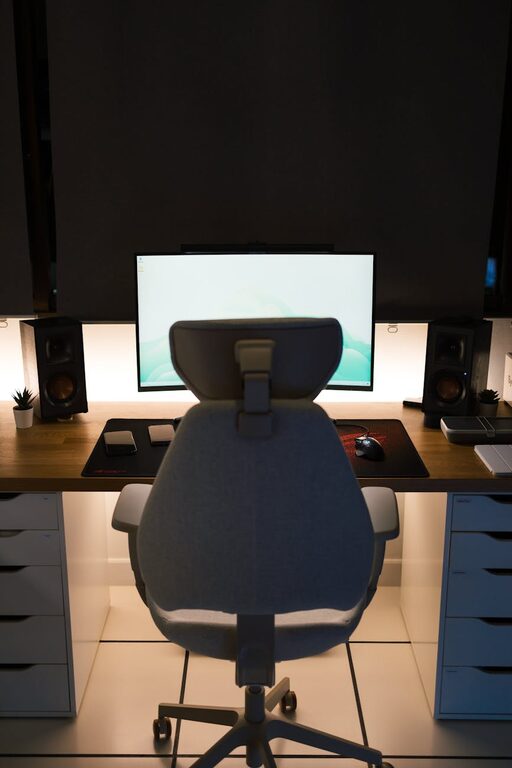
– Ergonomic Chair: Look for adjustable height, lumbar support, and comfortable cushioning. Your feet should rest flat on the floor, and your knees should be at a 90-degree angle.
– Desk Height: Your desk should allow you to keep your elbows at roughly a 90-degree angle while typing.
– Monitor Placement: Position your monitor at eye level about an arm’s length away. This helps reduce neck and eye strain.
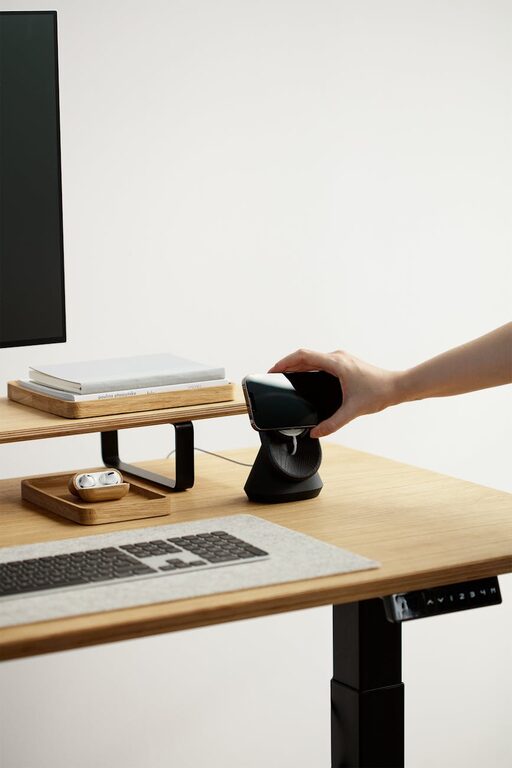
– Standing Desk Options: Consider a sit-stand desk to alternate between sitting and standing during your workday.
Proper ergonomics enhances comfort and helps maintain good posture.
3. Organize Your Desk and Supplies
A cluttered workspace can cause distraction and stress. Keep your desk tidy and organized for a calmer work environment.
– Essential Supplies Only: Keep only necessities on your desk, such as your computer, notebook, pens, and a water bottle.
– Storage Solutions: Use drawers, shelves, or storage boxes to store items you use less often.
– Cable Management: Use clips or sleeves to keep electrical cords neat and prevent tangling.
– Daily Cleanup: Spend a few minutes at the end of each day organizing your desk for a fresh start tomorrow.
An organized workspace saves time and helps you maintain focus.
4. Optimize Lighting
Good lighting reduces eye strain and helps maintain energy levels.
– Natural Light: As mentioned, natural light is best, but avoid glare on screens.
– Task Lighting: Use a desk lamp with adjustable brightness and a warm color temperature to complement natural light.
– Avoid Harsh Fluorescent Lights: Harsh lighting can cause headaches or fatigue. Opt for soft, diffused light sources when possible.
Adjust your lighting to the time of day and tasks you are performing.
5. Minimize Distractions
Staying focused can be a challenge when working from home. Manage distractions by:
– Communicating Boundaries: Let others in your household know your work hours to minimize interruptions.
– Use Noise-Canceling Headphones: These can help block out background noises and improve concentration.
– Limit Phone and Social Media Use: Consider apps or settings that restrict notifications during work periods.
– Create a Routine: Having designated start and end times can structure your day and reduce the temptation to multitask on unrelated tasks.
Reducing distractions helps you get more done in less time.
6. Personalize Your Space
Adding personal touches can make your home office more inviting and motivating.
– Plants: Indoor plants can improve air quality and add calming greenery.
– Artwork or Photos: Displaying favorite pictures or artwork can create a pleasant atmosphere.
– Comfort Items: Keep a cozy blanket, cushion, or a favorite mug nearby.
A personalized workspace encourages positivity and creativity.
7. Ensure Proper Technology Setup
Reliable technology ensures smooth daily tasks without interruptions.
– High-Speed Internet: Invest in internet service that supports video calls and large file uploads.
– Backup Power: Consider a UPS or surge protector to avoid losing work during power outages.
– Ergonomic Accessories: External keyboards, mice, or monitor stands can enhance comfort.
– Regular Updates and Security: Keep your devices updated and maintain strong passwords to secure your data.
Consistent tech performance reduces stress and supports productivity.
8. Take Regular Breaks
Taking breaks is essential for maintaining focus and physical health.
– Use the 20-20-20 Rule: Every 20 minutes, look 20 feet away for 20 seconds to reduce eye strain.
– Stretch and Move: Stand up, stretch, or take a short walk every hour.
– Stay Hydrated and Eat Well: Keep water at your desk and avoid heavy meals that can cause sluggishness.
Breaks recharge your mind and body for sustained work.
—
By thoughtfully designing your home office with these tips, you can create a space that supports both productivity and comfort. Remember that your setup can evolve over time as your needs change, so feel free to experiment and find what works best for you. Happy working!
About the Author