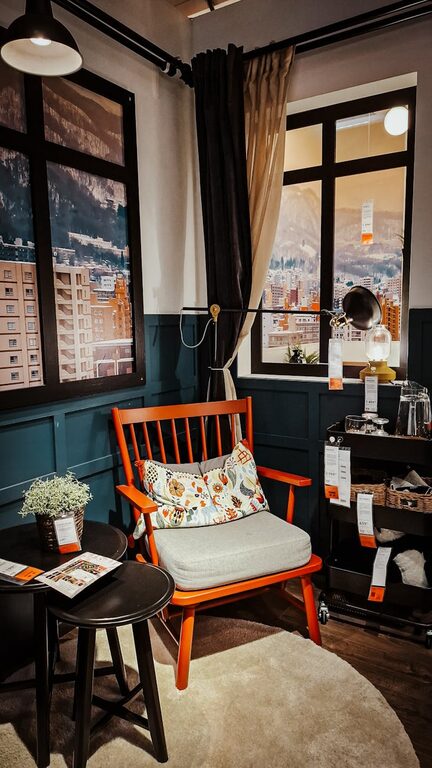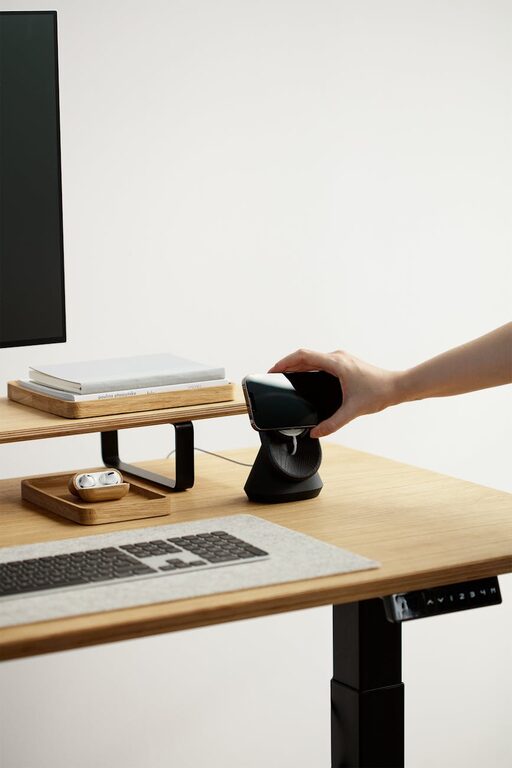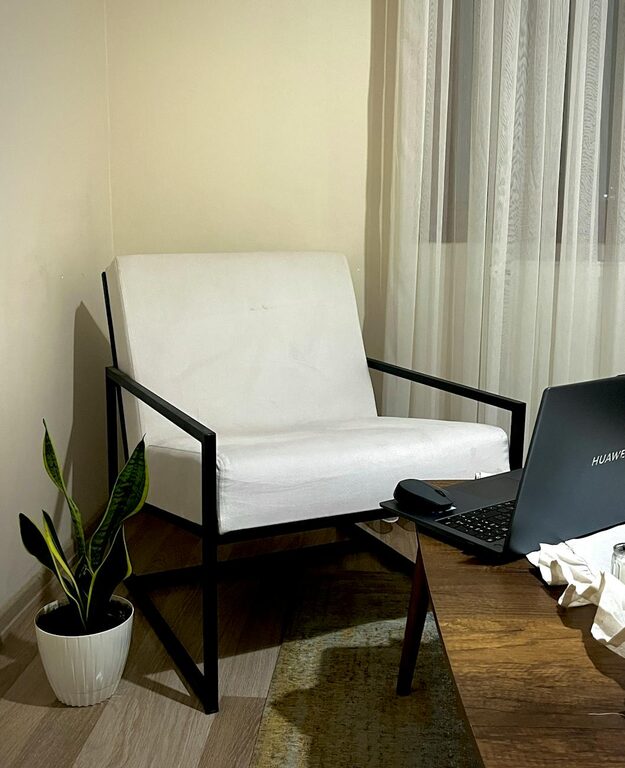
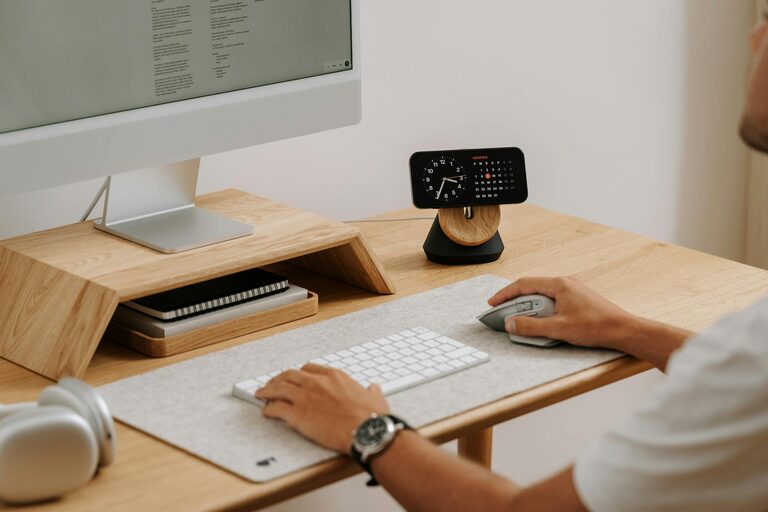
Creating an organized home office can make a significant difference in your workday. Whether you’re working remotely full-time or just need a dedicated space for personal projects, a well-arranged office helps you stay focused, reduces stress, and makes work more enjoyable. Below, you’ll find simple and practical tips to organize your home office for increased productivity and comfort.
1. Choose the Right Location
Consider Natural Light and Quiet
Place your home office in a spot with plenty of natural light, if possible. Sunlight helps improve mood and alertness. Avoid noisy or high-traffic areas to minimize distractions. If you can’t find a quiet corner, consider noise-canceling headphones or white noise machines.
Optimize Space
Make sure your desk has enough room for your computer, documents, and any tools you regularly use. A cramped area can hurt your focus, so pick a spot where you have enough space to move easily.
2. Declutter Your Workspace
Clear the Desk Surface
Keep only essential items on your desk, such as a computer, a notepad, and a favorite pen. Store other office supplies in drawers or organizers to avoid clutter.
Sort Digital and Paper Files
Organize your files both physically and digitally. Use labeled folders and filing cabinets for papers, and create a clear folder structure on your computer. Digital clutter can be as distracting as physical clutter, so take time weekly to clean up your desktop and inbox.
3. Invest in Ergonomic Furniture
Choose a Comfortable Chair
A supportive chair helps prevent back pain and improves posture. Look for adjustable chairs that fit your body shape and allow you to sit comfortably for several hours.
Use an Appropriate Desk
Your desk should be at a height where your forearms are parallel to the floor when typing. Adjustable desks or standing desk converters add flexibility, allowing you to alternate between sitting and standing.
4. Organize with Storage Solutions
Use Drawer Organizers and Shelves
Keep small items like paper clips, sticky notes, and chargers in organizers inside drawers. Floating shelves or bookcases can hold books, binders, and decorative items without taking up desk space.
Implement Cable Management
Tangled cables make your space look messy and can be frustrating. Use cable clips, sleeves, or boxes to keep cords neat and out of the way.
5. Personalize Your Space Mindfully
Add Plants or Art
Plants bring freshness and improve air quality, while art can inspire creativity. Choose items that make you feel calm and motivated without cluttering your desk.
Use Calming Colors
Soft blues, greens, and neutrals typically create a relaxing environment. Avoid overly bright or distracting colors in your main workspace.
6. Improve Lighting
Balance Natural and Artificial Light
Natural light is best, but supplement it with adjustable desk lamps for late hours or cloudy days. Avoid harsh overhead lighting that causes glare.
Consider Light Temperature
Daylight bulbs with a cool color temperature can help you stay alert, while warmer lights are great for relaxing after work.
7. Create a Daily Routine for Tidying Up
End-of-Day Cleanup
Spend a few minutes at the end of each workday clearing your desk, putting away supplies, and organizing papers. This habit prepares you for a fresh start the next day.
Weekly Deep Clean
Set aside time weekly to dust, wipe surfaces, and organize drawers and shelves thoroughly. A clean environment supports clearer thinking.
8. Keep Essential Tools Within Reach
Arrange your most-used items so they’re easy to grab. This saves time and prevents interruptions in your workflow. Tools you use less frequently can be stored further away or in cabinets.
9. Limit Distractions
Use Noise Control
If noise is unavoidable, try noise-cancelling headphones or play soothing background music to help focus.
Manage Technology
Turn off non-work-related notifications during office hours. Consider apps that block distracting websites when you need to concentrate.
10. Customize Your Workflow Setup
Use Multiple Monitors
If your work involves multitasking or research, adding a second monitor can improve efficiency.
Set Up a Whiteboard or Corkboard
These boards help you keep track of important tasks, deadlines, and ideas visually.
—
By implementing these simple tips, you can create a home office space that not only looks great but also supports your productivity and comfort. Remember, the best workspace is one that fits your personal needs and helps you focus on your work.
Happy organizing!
About the Author